Desify sells rPen, one of the options below. We have tried to be fair to every product. Facts come from Wacom's support notice, shop.neosmartpen.com, xnote.ai, moleskine.com and BIC's corporate news page, checked 16 October 2026.
The Wacom Bamboo Slate and Bamboo Folio were some of the best ideas in note-taking: write on any paper clipped to the pad, and the page turns up on your phone. The hardware has been off the market for years (retailers list the Folio as discontinued since September 2020, and the Slate shows as discontinued at resellers). The bigger change is the app. Wacom's support site says Inkspace, Bamboo Paper and Wacom Notes were being retired and removed from app stores in December 2025, a date it later pushed back to late January 2026. Copies already on your phone keep working, but they get no updates, and you cannot install Inkspace on a new phone.
What made the Slate good, and what you lose
The Slate's best trick was that the pad did the work, so you could write on any paper you liked. No smart pen sold today does that. Every current option reads a fine dot pattern printed on its own pages. In return you gain a lighter setup (no pad to carry), live sync instead of pressing a button to save a page, and in some pens, AI that does something with your notes after you write them.
Your options in 2026
| Option | US price | Paper | What happens after you write |
|---|---|---|---|
| Neo smartpen dimo / R1 / M1+ / A1 | $59 / $89 / $129 / $139 | Neo Ncode notebooks | Handwriting to text, search, sync; no built-in AI summary |
| Moleskine Smart Writing Set | $279 | Moleskine Smart notebooks | Digitise and search in the Moleskine app |
| XNote Write | $199 plus sales tax, free US shipping | XNote paper, or pages printed from the app | Text, AI chat with your notes, tasks and events |
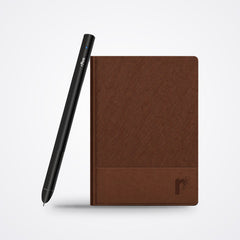
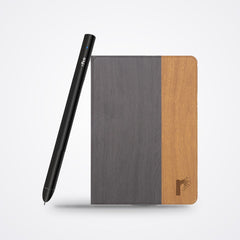
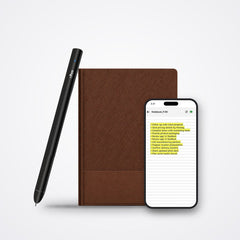
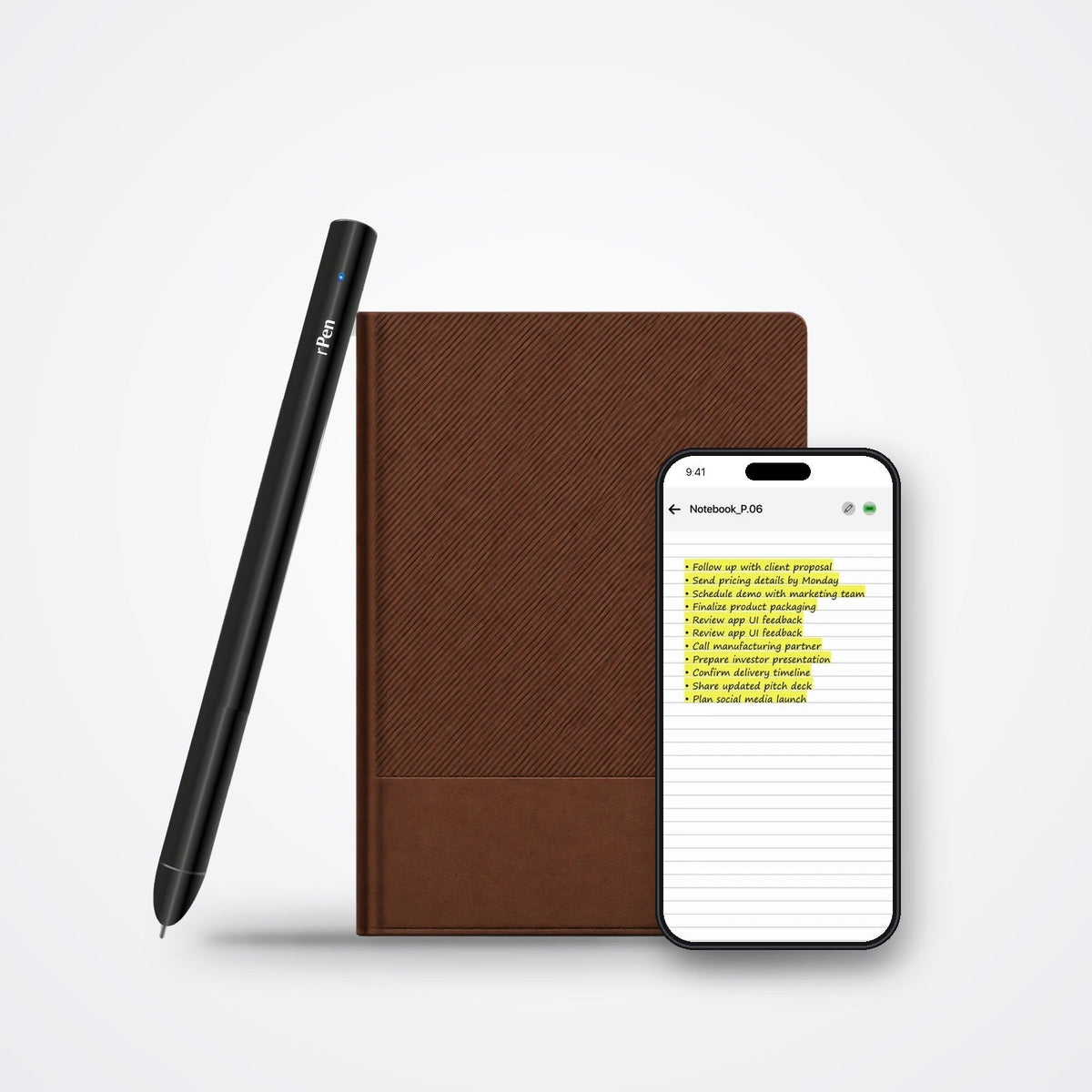
| rPen | $175 (rPen Pro $199), delivery, customs and duties included | rPen Smart Notebook; 2 refill Inner Diaries in the box | Text, search, summaries, tasks to Google Calendar and Microsoft To Do, email drafts, sketch to image |
| Rocketbook | Sold while stock lasts | Reusable pages you scan | Photo scans; BIC announced in December 2025 it was discontinuing the brand |
How to choose
- You only want your pages on your phone, cheaply: a Neo pen is the mature, low-cost pick, and the Slate's job is all most people used it for.
- You liked the stationery feel and want a brand name: Moleskine, though it costs the most here.
- You want notes to turn into actions, such as a calendar entry or a to-do, without retyping: rPen or XNote. Both are AI smart pens and both cost under $200.
- You need to print your own pages: XNote, which supports printing compatible pages on a laser printer.
- You want audio with your notes: rPen. The ReNote app records the room on your phone while you write, so the recording and the page stay together.
Before you switch: save your Inkspace notes
Do this first, whatever you buy next. Open Inkspace on the phone that still has it, and export your pages to PDF or image files in your own cloud storage. Wacom's notice explains export for each retired app. Once your phone changes, you may not be able to reinstall the app to get them back.
Why we think a smart pen is the honest successor
A paper tablet such as a reMarkable or a Kindle Scribe is a fine device, but it replaces paper with a screen. Most Slate owners chose the Slate because they wanted to keep writing in ink. A smart pen keeps that habit, costs less than a paper tablet, and adds what the Slate never had: notes that are searchable the moment you write them, and, with an AI pen, notes that can become tasks and emails.
Questions people ask
Does the Wacom Bamboo Slate still work?
The pad itself still works with Inkspace if the app is already installed on your phone. Wacom has retired the app and removed it from app stores, so it gets no updates and cannot be installed on a new phone.
Is there a smart pen that writes on any paper, like the Slate?
Not among the pens sold today. Neo, Moleskine, XNote and rPen all read a pattern printed on their own pages.
Can I bring my old Inkspace notes into rPen?
Not directly. Export them from Inkspace as PDF or images and keep them in your own cloud storage. New notes go into the ReNote AI app.
How long does rPen take to reach the US?
rPen is delivered in 3 business days by DHL Express, with customs and duties included, so there is nothing to pay on arrival. Defective pens are replaced.