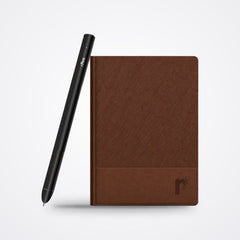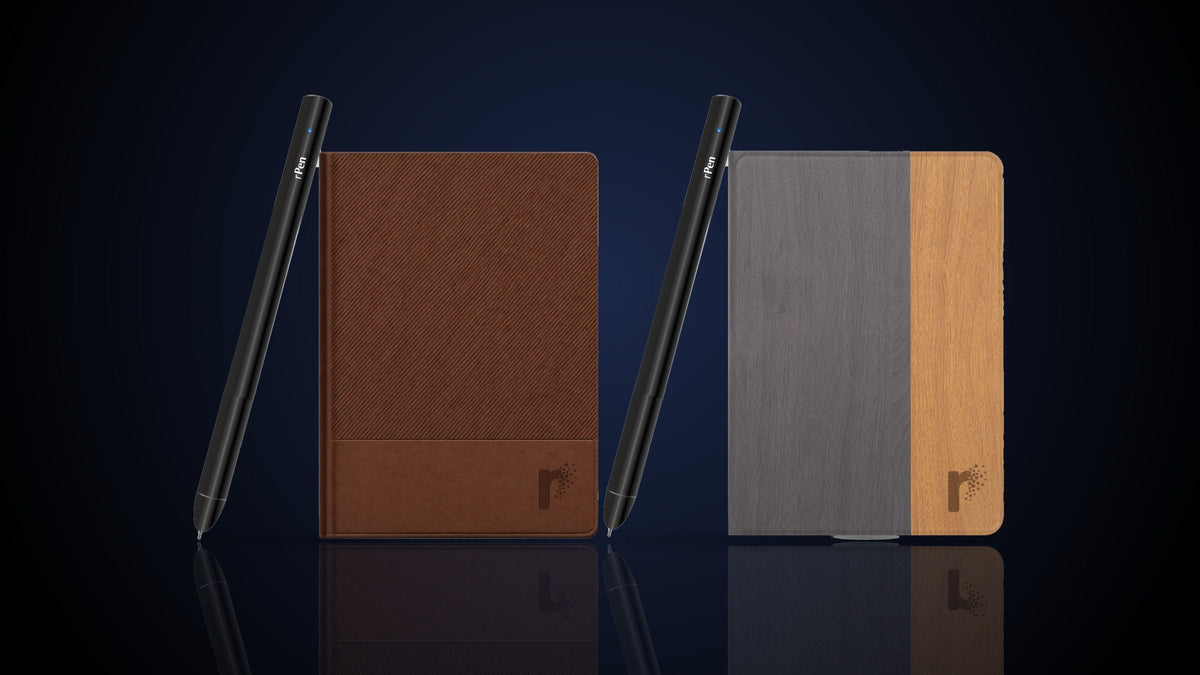
Desify sells rPen, one of the options below. Prices are typical US list prices checked in October 2026 and change often, especially around Black Friday.
"Digital notebook" means three quite different things in 2026. Some are pens that digitize real paper. Some are e-ink tablets you write on. Some are an iPad with a stylus. Each suits a different person, and picking the wrong type is the most common reason people end up back on plain paper.
The three types
| Type | Examples | Typical US price | You write on | Strongest at |
|---|---|---|---|---|
| Smart pen and notebook | rPen, XNote, Neo, Moleskine Smart | $60 to $280 | Real paper | Feel of paper, no screen, notes on your phone instantly |
| Paper tablet (e-ink) | reMarkable, Kindle Scribe, Supernote, BOOX | $359 to $679 | Matte e-ink screen | PDF markup, reading, unlimited pages |
| Tablet and stylus | iPad with Apple Pencil | About $528 and up | Glass screen | Everything else: apps, video, color |
Choose a smart pen if
- You think better on paper and want to keep the notebook.
- You want notes on your phone without scanning or retyping.
- You take notes in meetings or class where a screen feels rude or distracting.
- You want to spend under $200.
The catch: smart pens use their own patterned paper, so you buy refills, and you cannot mark up PDFs.
Choose a paper tablet if
- You read and annotate a lot of PDFs or e-books.
- You want endless pages and never want to buy paper.
- You are fine writing on a screen that feels close to paper but is not paper.
The catch: price, and some features sit behind subscriptions. reMarkable, for example, offers its Connect plan for extras such as handwriting search across notebooks.
Choose an iPad if
- You already own one, or want one device for notes, video and apps.
- You draw in color or need advanced note apps.
The catch: notifications and apps are one swipe away, battery life is shorter, and writing on glass never quite feels like paper.
What an AI smart pen adds
The newest smart pens do more than digitize. With rPen, a line you write can become a Google Calendar event or a Microsoft To Do task, a few bullet points can become a drafted Gmail or Outlook email, and a page can be summarized or searched in plain English. That is the gap between a digital copy of your notes and notes that actually get done.
Questions people ask
What is the difference between a smart notebook and a digital notebook?
People use both terms loosely. A smart notebook usually means paper that works with an app or pen. A digital notebook can mean that or an e-ink tablet.
Which digital notebook is best for students?
For lecture notes on a budget, a smart pen is usually best: it costs less than a tablet and keeps distractions away. For heavy PDF reading, a paper tablet.
Do digital notebooks need Wi-Fi?
Smart pens sync to your phone over Bluetooth. Internet is needed only for things like handwriting-to-text conversion and AI features.