Desify sells rPen, one of the tools below. This is a practical guide, not medical advice: no notebook, app or pen treats ADHD, and if you are looking for diagnosis or treatment, talk to a clinician. Tool facts come from each maker's site and our own product pages, checked 16 October 2026.
Many people with ADHD know the pattern. You write something down, and the note is gone by Thursday. Or the idea arrives mid-meeting, you reach for your phone, and ten minutes later you are in a different app entirely. The system that works is usually the one with the fewest steps between the thought and the place it lives, and the fewest steps between the note and the action.
Capture everything in one place
The most common advice from people with ADHD is to write things down the moment they appear, then go back to what you were doing. ADDitude readers describe sticky notes around the house, brightly colored to-do lists that are easy to find, and phone alarms for anything time-bound. Medical News Today notes that external reminders may help by reducing how much the brain has to hold on to.
The catch is spread. Sticky notes, three notebooks, a notes app and the back of an envelope add up to five inboxes, and five inboxes means nothing gets checked. Whatever you choose, make it one.
Why paper helps some people
Some people find a screen pulls them away. You open the phone to note a task and a notification takes the rest of the hour. Writing by hand has no notifications, and many people say it helps them stay with a thought long enough to finish it. Others find the opposite: paper is slow, gets lost, and cannot remind you of anything. Both are normal. Try a week of each before you buy anything expensive.
Turn notes into tasks before they are forgotten
A note only helps if it becomes something that interrupts you at the right time. A simple routine works for many people:
- Same day: anything with a date goes into your calendar, with a reminder.
- Same day: anything you must do goes into one task list, not left on the page.
- Weekly: a ten-minute look back through the week's notes for anything missed.
The fewer taps this takes, the more likely you are to do it on a bad day as well as a good one.
Record the room as a backup
In meetings, lectures and appointments, attention drifts and that is fine. A recording of the room means a missed point is not lost. Ask before you record other people, and check the rules where you work or study.
Your options compared
| Tool | Cost | Good for | Watch out for |
|---|---|---|---|
| Paper planner or one notebook | Under $30 | Starting today, no screen, no charging | No reminders, easy to leave behind, nothing searchable |
| Phone notes and reminder apps | Often free | Alarms, search, always with you | Notifications and other apps one swipe away |
| XNote smart pen | $199 plus sales tax | Real paper, notes on your phone, tasks and events, free plan, 30-day returns | Audio needs a separate XNote Voice device |
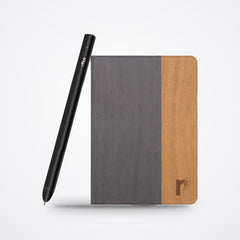
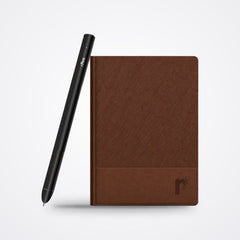
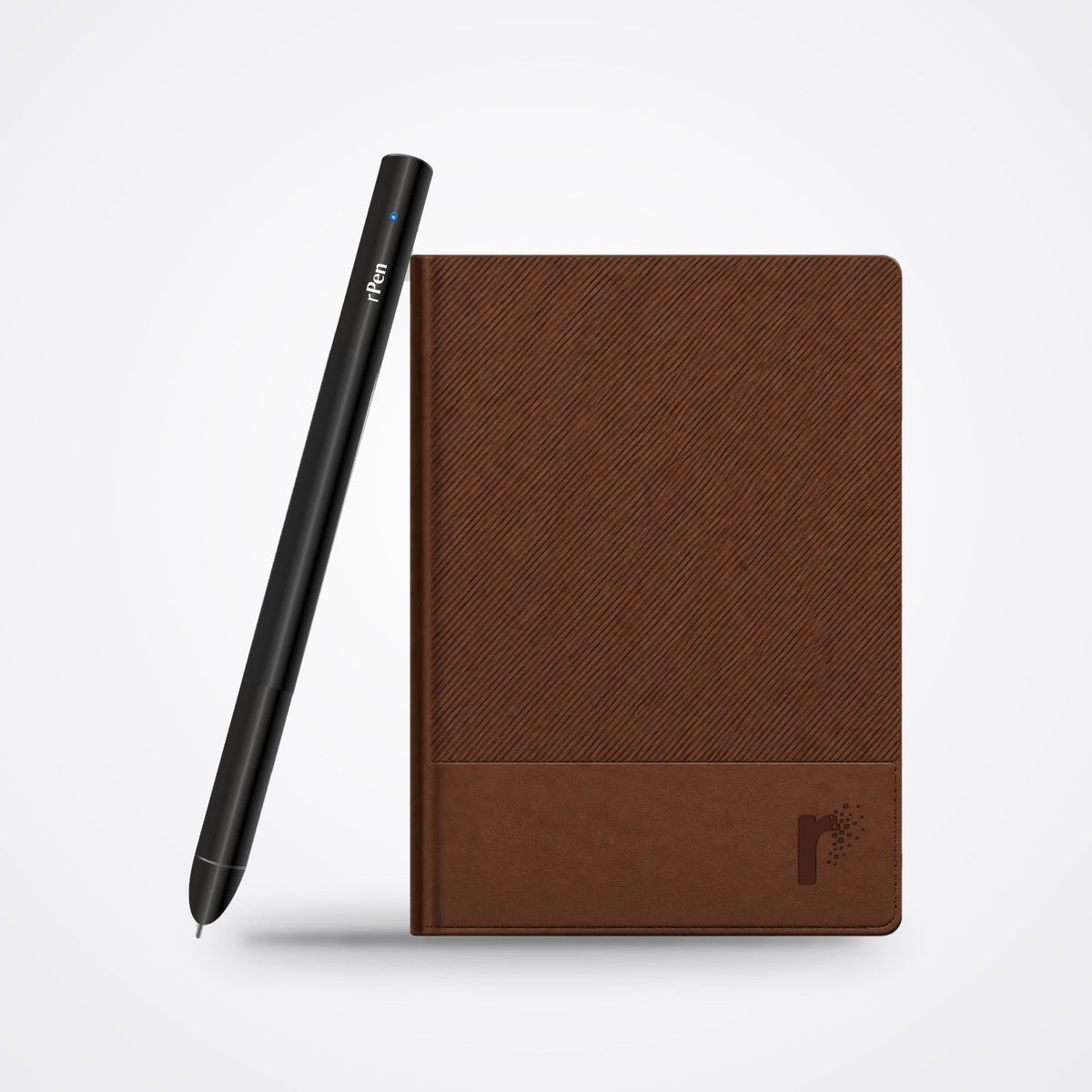
| rPen smart pen | $175, or $199 for rPen Pro | Real paper, notes on your phone live, tap a printed icon to send a note to Google Calendar or Microsoft To Do, record the room while you write | Uses its own patterned notebooks, so you buy refills |
A smart pen does not replace the habit. It removes two common failure points: the notebook that stays at home (your notes are on your phone too) and the task that never leaves the page (one tap sends it on).
Questions people ask
Is there a best notebook for ADHD?
No single one. The best tool is the one you will reach for every time. Start cheap, keep it in one place, and upgrade only if you find you lose notes or forget to act on them.
Can a smart pen help with ADHD?
It is a tool, not a treatment. Some people with ADHD find it useful because it keeps the feel of paper while putting every page on their phone and turning notes into calendar items or tasks.
Does rPen work without my phone nearby?
Yes. The pen stores about 1,000 pages and syncs them when your phone is back in range.
How fast does rPen arrive in the US?
It is delivered in 3 business days by DHL Express, with customs and duties included, so nothing is due on arrival. Defective pens are replaced.